content: [Lightflow installation guide] [a 3D primer]

Raytracing-Pictures

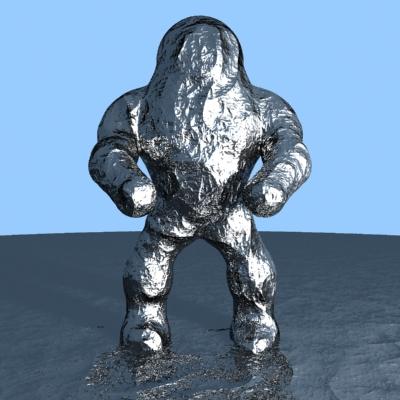
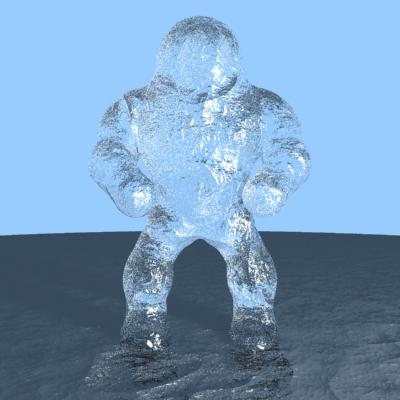
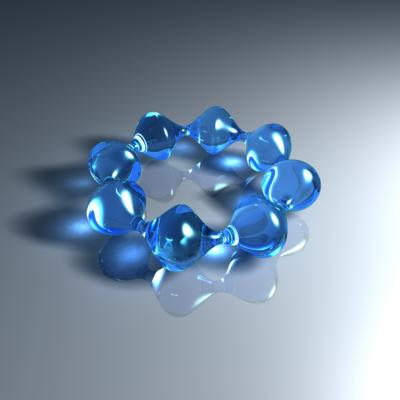
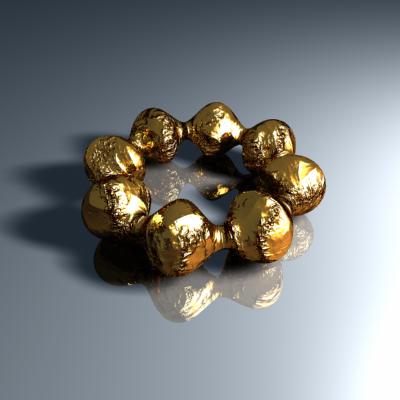
Computer-based visualisation of three-dimensional objects has always been a passion for me. The pictures below were rendered with Lightflow, the best ray tracing program I ever saw. The possibility of generating real surfaces, which also could be used in CSG operations, makes the pictures very realistic and designing of complex objects easier. The basic concept is different compared to other raytracers like PovRay: Lightflow defines itself as an extension to object-oriented programming languages (C++ and python are currently supported), which donates the ability to program a 3D-scene to the language, like Trolltech Qt donates the ability to program a graphical user interface. The benefits are the benefits of programming something in general - automation! To make life a bit easier, I developed an object source code generator for KDE, which could be downloaded from the projects page.. In addition, you will find a primer to the Lightflow C++ binding here. Ok, lets see the results...
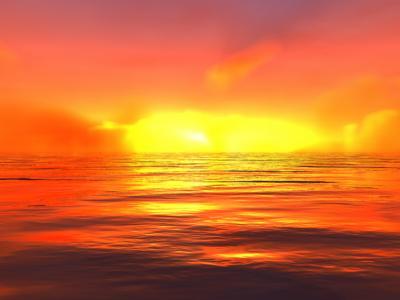
Oceans
ocean.py
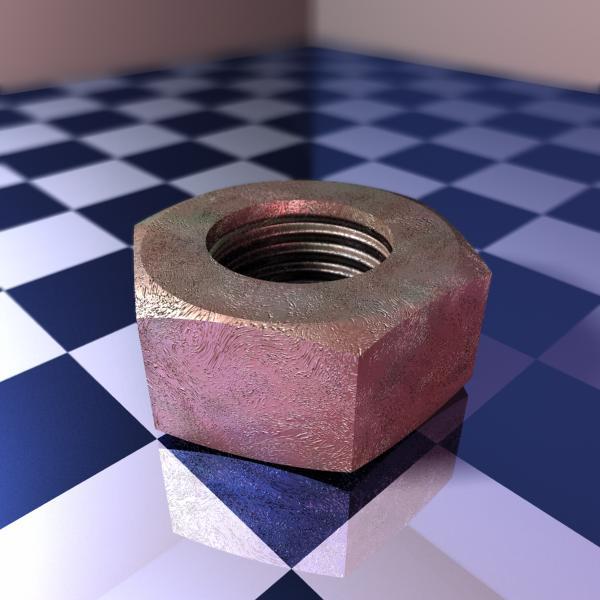
mech
mechanic.py
Terminator1
Terminator1.py

Terminator2.py
bspline3
bspline3.py
bspline4
bspline4.py
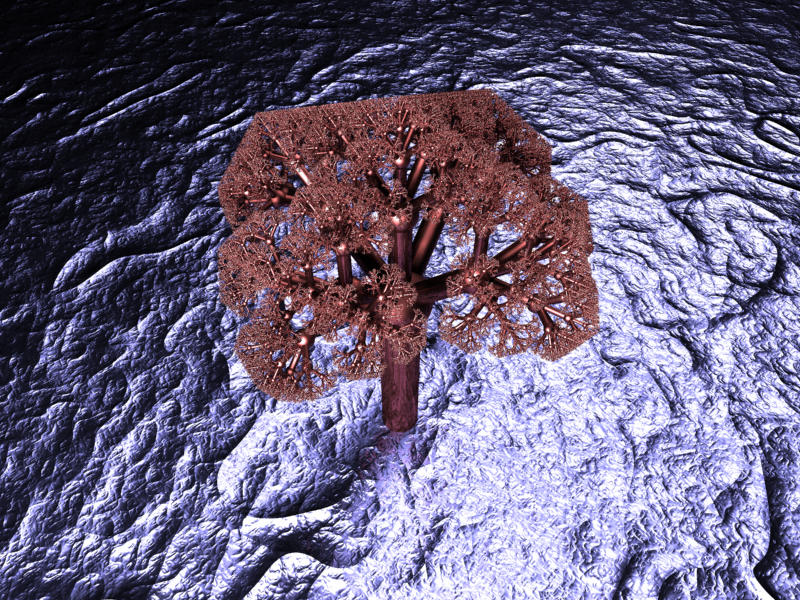
tree
tree.tar.gz (C++-source!)
cloud
cloud.py

Because LightFlows homepage seems to be broken I provide my Linux installation here:

Installation guide:

  1. untar the base packet (e.g. in /usr/local/)
  2. the python interface requires python >= 1.5, so install it first if you want to use it.
  3. Copy or link LightflowPM.so to /usr/lib/phython1.5/site-packages (or wherever this directory is):
      ln -s /usr/local/LightFlow/LightflowPM.so /usr/lib/python1.5/site-packages 
  4. The same for the C++-library:
     ln -s /usr/local/LightFlow/Lightflow/libLightflow.so /usr/lib
  5. install the content of Lightflow_Include.tar.bz; the includes should be in /usr/include/Lightflow.
  6. extend the startup configuration script of your shell (e.g.. bashrc) by setting LIGHTFLOWPATH to Lightflows base directory:
          export LIGHTFLOWPATH=/usr/local/LightFlow
        
  7. have a look at the doc's under PM/doc and CS/doc, python-examples are under PM/Examples
  8. Now the examples above should work (python-scripts have to be made executable before run, C++-examples (e.g. tree.tar.gz) have to be compiled (use make).